Fortifying Your Finances: Online Banking Security Features for 2026 – 2FA, Biometrics & Beyond
The digital age has revolutionized how we manage our money. From paying bills with a tap to investing in global markets from our sofas, online banking offers unparalleled convenience. Yet, with every technological leap comes an equally sophisticated rise in cyber threats. As we look towards 2026, the question isn’t if you’ll bank online, but how securely. For personal finance readers, understanding and actively leveraging the latest security features is no longer optional – it’s a critical component of financial health.
Imagine a world where your savings are protected not just by a password, but by your unique biological traits, a device you own, and sophisticated AI monitoring every suspicious whisper in the digital realm. This isn’t science fiction; it’s the present and near-future of online banking security. By 2026, technologies like two-factor authentication (2FA) and advanced biometrics will be more integrated and essential than ever, evolving to combat an increasingly cunning array of cyber adversaries.
This comprehensive guide will equip you with the practical insights needed to navigate the evolving landscape of online banking security. We’ll delve into the nuances of 2FA and biometrics, explore other crucial protective measures, and offer actionable advice to keep your digital finances ironclad.
#
The Evolving Landscape of Online Banking Threats
Before we dissect the solutions, it’s crucial to understand the threats they’re designed to thwart. The cybersecurity landscape is a constant arms race, and by 2026, the challenges will be more complex than ever:
* Sophisticated Phishing & Smishing: No longer just poorly worded emails, these attacks are becoming hyper-personalized, leveraging deepfake technology for voice and video, and mimicking official communications with unnerving accuracy. AI-powered phishing campaigns can scale rapidly and adapt in real-time.
* Malware & Spyware: Advanced persistent threats (APTs) can lie dormant on your device, silently logging keystrokes, capturing screenshots, or even rerouting transactions without your immediate knowledge. Mobile malware targeting banking apps is a growing concern.
* SIM Swapping & Account Takeovers: A criminal convinces your mobile carrier to transfer your phone number to a SIM card they control, intercepting SMS-based 2FA codes and gaining access to your accounts. This remains a significant threat.
* Data Breaches & Credential Stuffing: Despite best efforts, major data breaches continue to occur. Criminals then use stolen usernames and passwords to “stuff” into other online accounts, hoping users have reused credentials across multiple platforms.
* Identity Theft via Generative AI: With readily available AI tools, creating convincing fake identities, documents, and even voices or faces for social engineering attacks is becoming alarmingly easy.
In this environment, relying solely on a strong password is akin to locking your front door but leaving all the windows open. A multi-layered defense strategy, integrating what you know, what you have, and what you are, is paramount.
#
Two-Factor Authentication (2FA): Your Essential Digital Gatekeeper
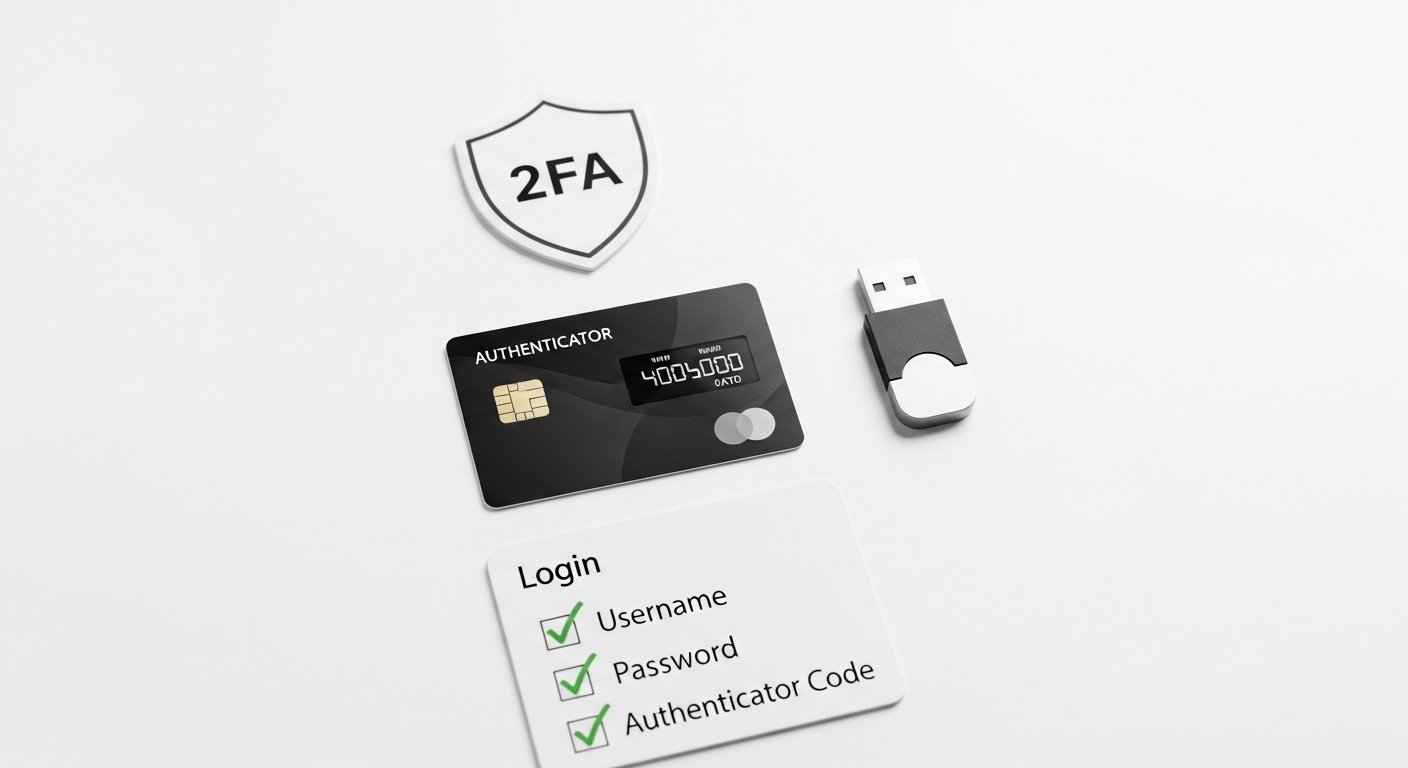
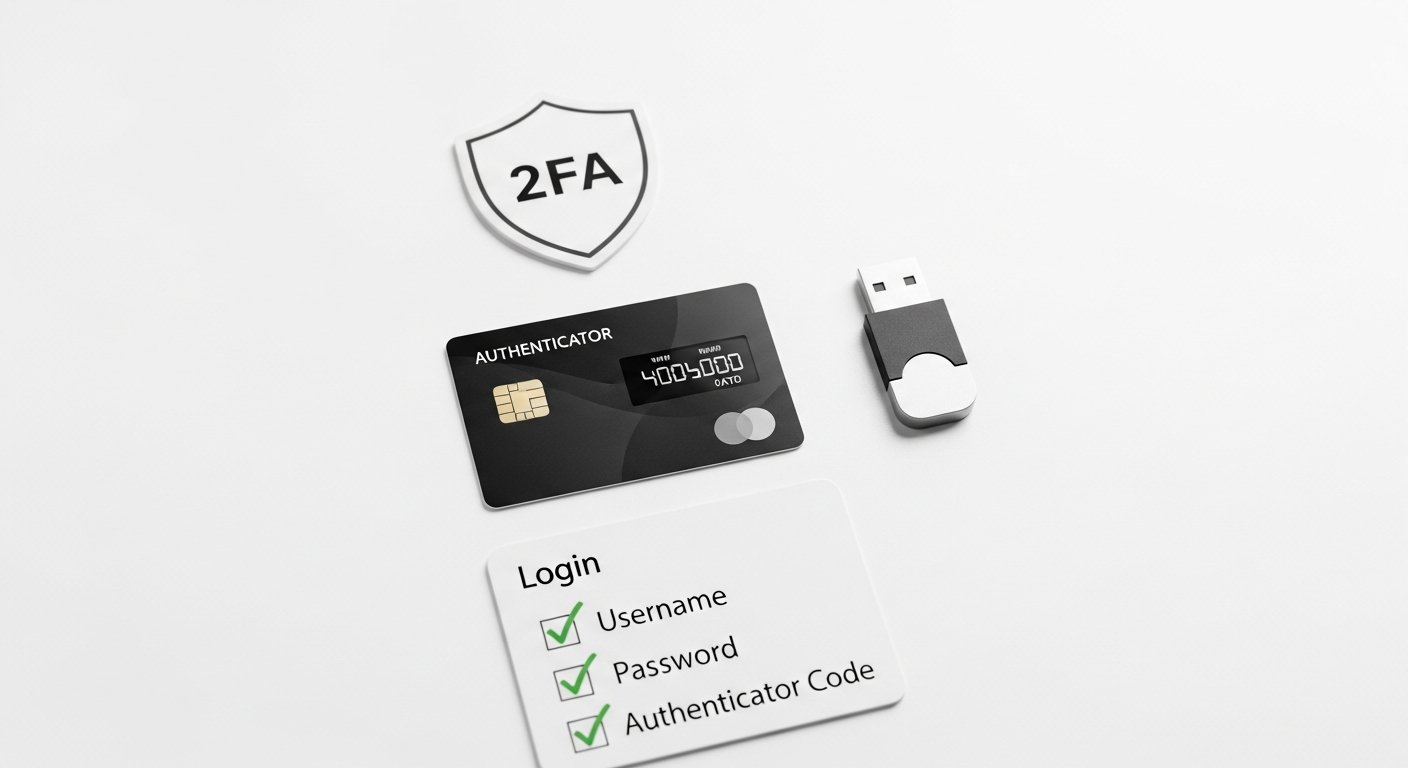
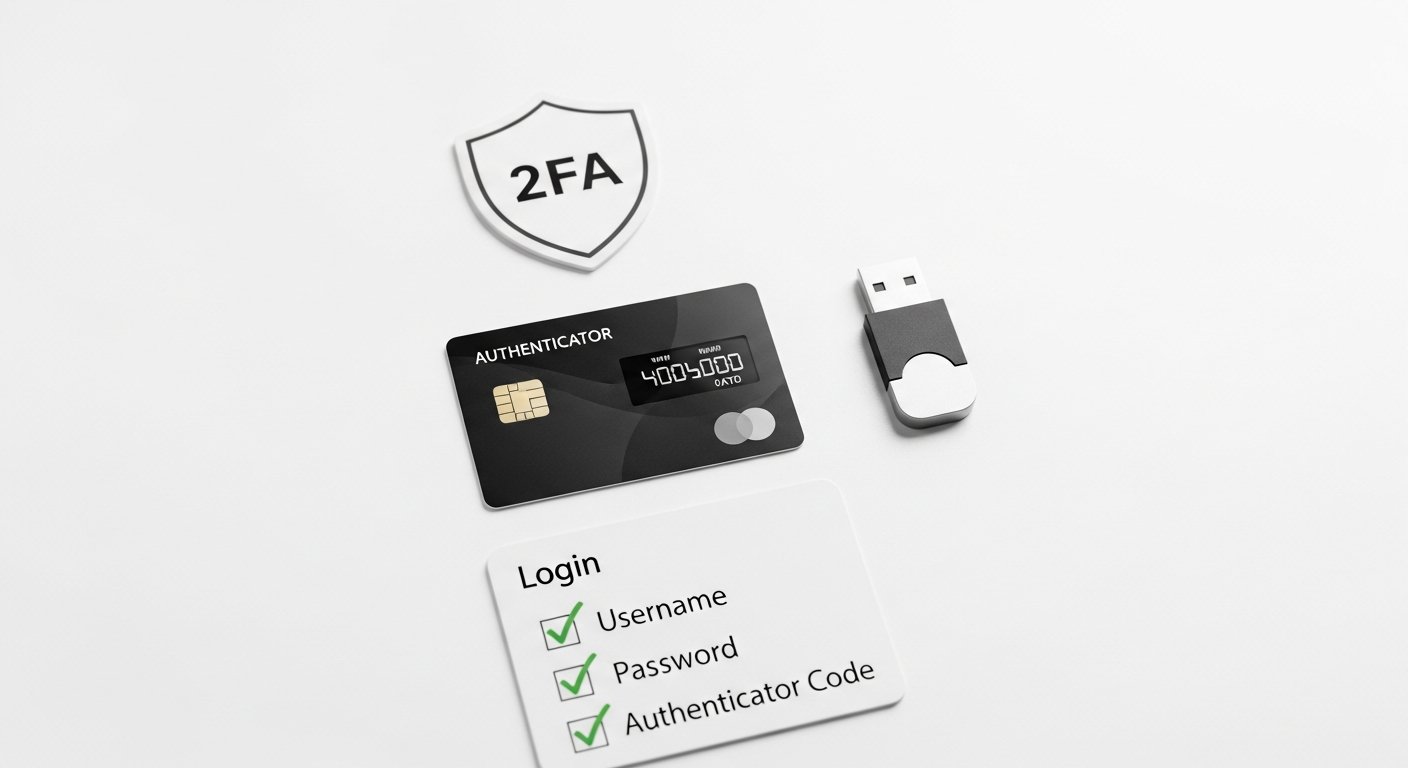
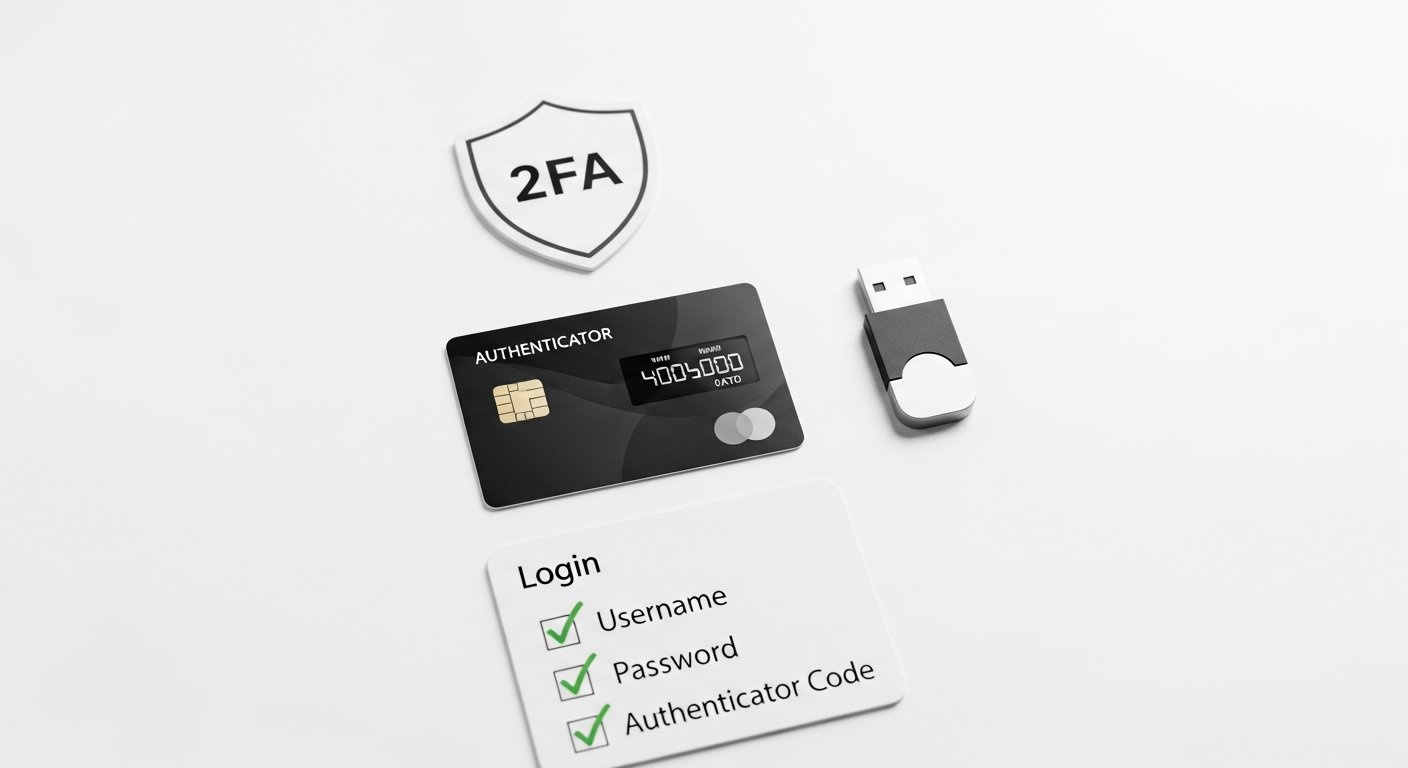
Two-Factor Authentication (2FA) is the backbone of modern online security. By 2026, it won’t just be recommended; it will be virtually mandatory for any financially critical online account. It adds a crucial second layer of verification beyond your password, making it significantly harder for unauthorized users to gain access even if they manage to steal your primary credentials.
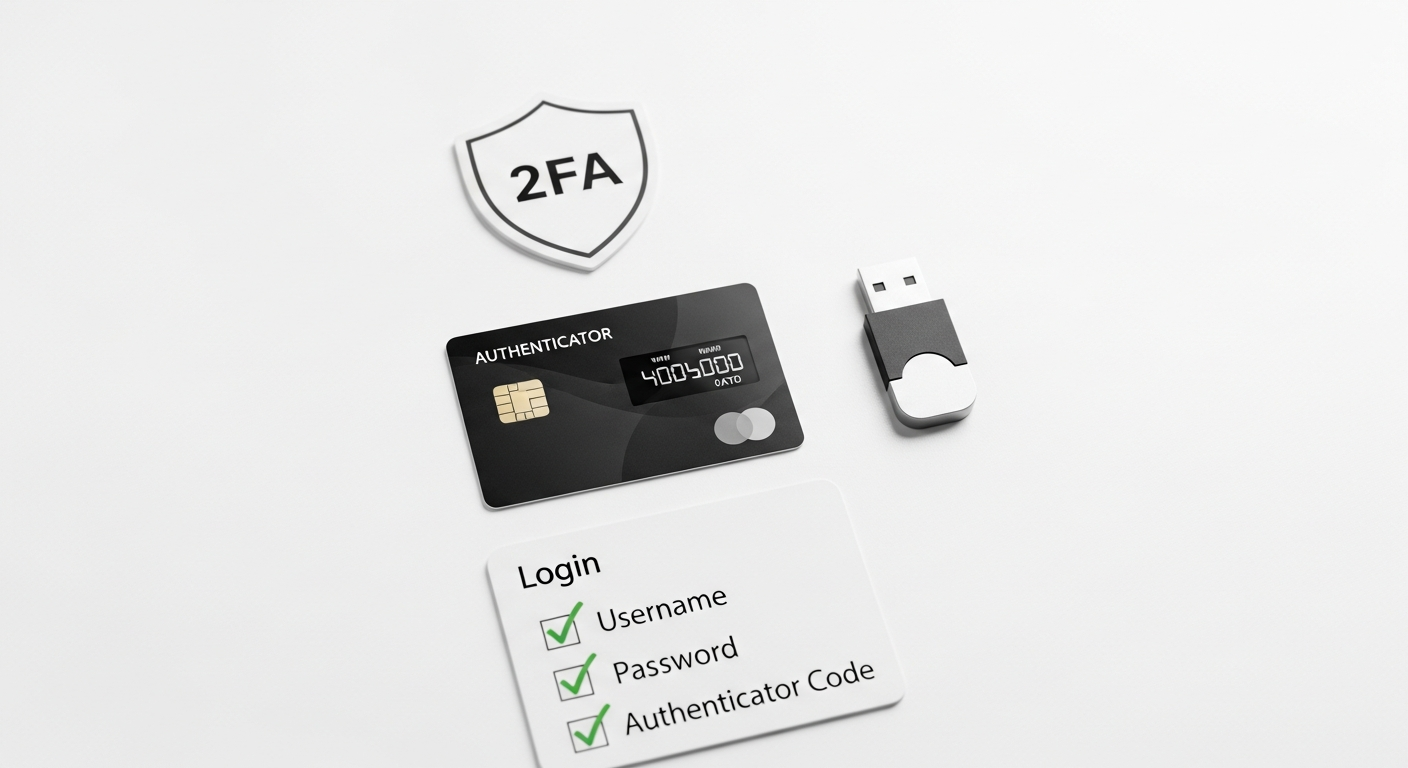
The core principle of 2FA is simple: to log in, you must provide something you know (your password) AND something you have (like your phone or a hardware token) or something you are (a biometric scan).
##
The Evolution of 2FA Types for 2026:
1. SMS/Email One-Time Passcodes (OTPs):
* How it works: After entering your password, a unique code is sent to your registered phone number via SMS or to your email address. You enter this code to complete login.
* Pros: Widespread, easy to understand, requires no special apps. Most traditional banks like Chase, Bank of of America, and Wells Fargo have offered this for years.
* Cons: Least secure option. Highly vulnerable to SIM swapping (where an attacker diverts your phone number), phishing (tricking you into entering the OTP on a fake site), and email account compromise. By 2026, this method should be considered a last resort, especially for high-value transactions. Regulators and cybersecurity experts are increasingly discouraging its use.
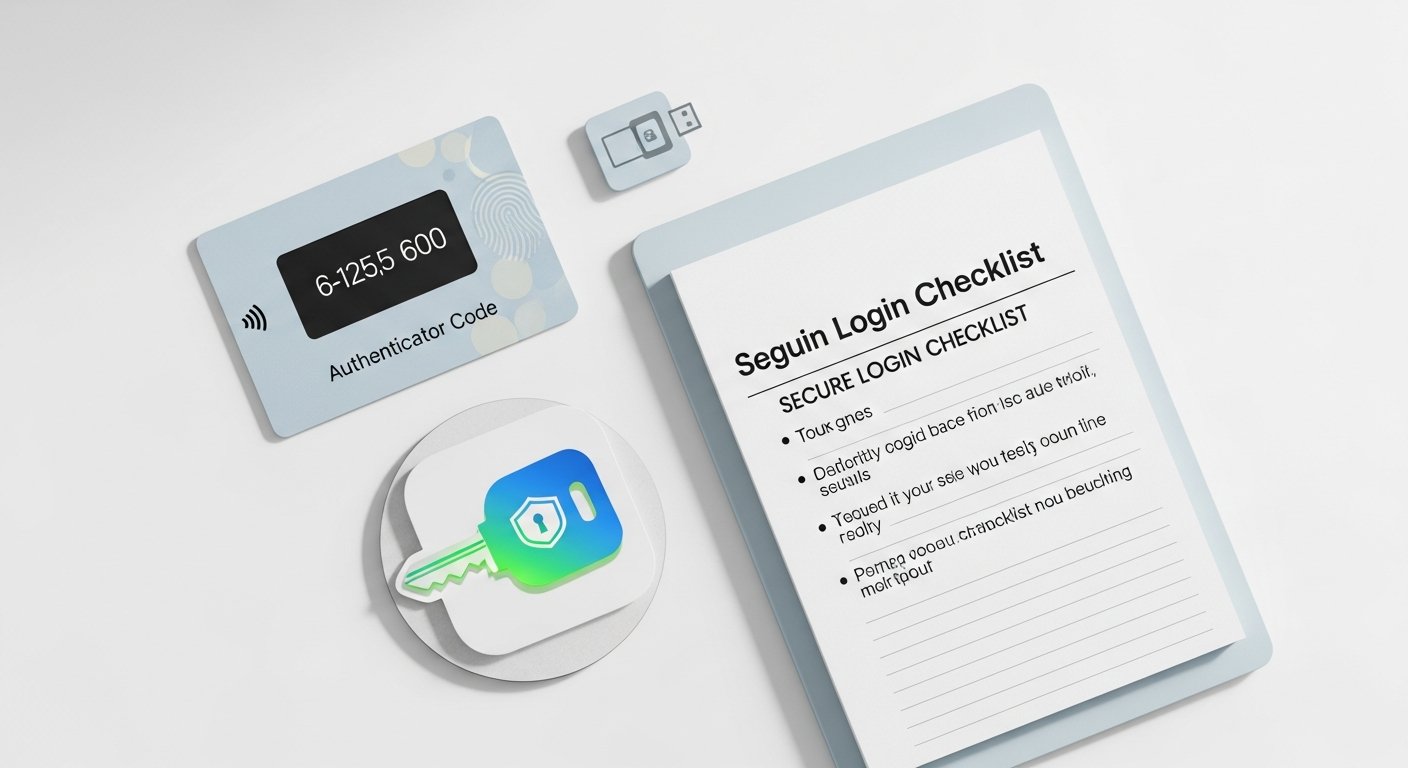
2. Authenticator Apps (Time-Based One-Time Passwords – TOTP):
* How it works: Apps like Google Authenticator, Microsoft Authenticator, or Authy generate a new, time-sensitive code every 30-60 seconds. You link these apps to your banking accounts (or any service) via a QR code during setup. When logging in, you enter your password and then the current code from the authenticator app.
* Pros: Significantly more secure than SMS OTPs. The codes are generated locally on your device, not transmitted, making them immune to SIM swapping. Many fintech apps like Revolut and N26 strongly encourage or default to this method.
* Cons: If you lose or factory reset your phone without backing up your authenticator app (or its recovery keys), you could lose access to your accounts. Requires careful setup and backup.
3. Hardware Security Keys (FIDO-Certified):
* How it works: These are physical devices, often resembling a USB stick (YubiKey, Google Titan Key), that you plug into your computer or tap against your phone during login. They use open standards (like FIDO2/WebAuthn) to provide cryptographic proof of identity.
* Pros: The gold standard for phishing-resistant 2FA. They are nearly impossible to phish because they verify the website’s authenticity before releasing credentials. Even if a sophisticated attacker has your password, they can’t log in without the physical key. Excellent for critical accounts.
* Cons: Requires purchasing a physical device (though affordable). Can be lost (though you should always have a backup key registered). Not all banks support FIDO-certified hardware keys yet, but adoption is growing rapidly by 2026, particularly for advanced users and business accounts.
4. Push Notifications (In-App Approvals):
* How it works: After entering your password, your bank’s mobile app sends a push notification to your registered device. You simply tap “Approve” or “Deny” within the app to complete the login or transaction. Many major banks, including Chase Mobile, Capital One, and Ally Bank, offer this for convenience and security.
* Pros: Very convenient and user-friendly. More secure than SMS OTPs because the notification is routed through the bank’s secure app, not your mobile carrier.
* Cons: Still susceptible to user error if you blindly approve a notification you didn’t initiate. Requires the bank’s app to be installed and active on your device.
##
Practical Tips for Leveraging 2FA Immediately:
* Enable 2FA Everywhere: Go through all your online banking accounts, investment platforms, and even email/social media. Enable the strongest 2FA option available.
* Prioritize Authenticator Apps/Hardware Keys: If your bank supports it, always opt for authenticator apps or, even better, a hardware security key over SMS OTPs.
* Backup Recovery Codes Securely: When setting up authenticator apps or hardware keys, you’ll often be given recovery codes. Print these out and store them in a secure, offline location (e.g., a locked safe or deposit box). Do NOT store them on your computer or cloud drive.
* Be Wary of SMS OTPs: If SMS is your only option for a particular account, be extra vigilant. Never enter an SMS code on a site you accessed via an email link. Manually type the bank’s URL.
* Regularly Review Security Settings: Periodically check your bank’s security settings to ensure no unauthorized devices are linked and your 2FA methods are up to date.
#
Biometrics: The Future of Frictionless, Secure Access
Biometrics, the use of unique biological characteristics for identification, is rapidly becoming the most convenient and powerful layer of security in online banking. By 2026, it will move beyond simple fingerprint scans to incorporate more sophisticated methods, offering both enhanced security and a seamless user experience. The core principle: something you are.
##
Types of Biometric Authentication in 2026:
1. Fingerprint Scans:
* How it works: Your unique fingerprint pattern is scanned by a sensor on your smartphone, tablet, or laptop.
* Pros: Widely adopted (most modern smartphones have fingerprint sensors), very convenient, fast, and generally reliable. Banks like Capital One and Wells Fargo have integrated fingerprint login into their mobile apps for years.
* Cons: Can be bypassed with sophisticated methods (e.g., high-quality fake fingerprints), though this is rare for consumer-grade security. Less secure if the device’s sensor is low quality or relies on 2D images.
2. Facial Recognition (3D Mapping):
* How it works: Your device’s front-facing camera scans your face, creating a 3D map of your features for authentication. Apple’s Face ID is a prime example, also utilized by many banking apps for quick login and transaction approval.
* Pros: Extremely convenient, hands-free. Advanced 3D facial recognition is very secure, using depth-sensing cameras to prevent spoofing with photos or masks. It’s often combined with a “liveness detection” to ensure a real, live person is present.
* Cons: Privacy concerns about biometric data storage. Performance can be affected by changes in appearance (e.g., significant facial hair changes, certain types of glasses) though modern systems are quite adaptable. Less effective in very low light.
3. Voice Recognition:
* How it works: Analyzes the unique characteristics of your voice (pitch, cadence, accent, vocal tract shape) to verify identity. Primarily used for specific telephone banking interactions or sometimes for confirming high-value transactions within an app.
* Pros: Hands-free, can be used remotely.
* Cons: Susceptible to audio deepfakes (AI-generated voice replicas) if not paired with advanced liveness detection and speech patterns. Not yet a primary login method for most online banking due to these vulnerabilities and environmental noise interference.
4. Behavioral Biometrics (Continuous Authentication):
* How it works: This is an emerging and highly promising field. It passively analyzes unique patterns in your behavior – how you type, your mouse movements, the way you hold your phone, your gait, your swipe patterns.
Pros: Provides continuous, “invisible” authentication, meaning the system can detect if the legitimate user has been replaced by an imposter after* initial login. Offers an additional, subtle layer of security. Companies like BioCatch are leaders in this space, often integrated into bank’s fraud detection systems.
* Cons: Can sometimes generate false positives if your behavior deviates significantly from your norm. Raises significant privacy concerns about constant monitoring, though banks argue it’s aggregated and anonymized.
##
Advantages of Biometrics in Banking:
* Unmatched Convenience: Faster and more user-friendly than typing passwords or retrieving codes.
* Enhanced Security: Your fingerprint or face is far harder to steal or replicate than a password. Advanced biometrics with liveness detection offer strong resistance to spoofing.
* Reduced Password Fatigue: Fewer passwords to remember means less likelihood of reusing weak ones.
##
Challenges & Considerations:
* Privacy Concerns: How is your unique biometric data stored? Is it encrypted? Is it shared? Reputable banks generally process and store biometric templates locally on your device (e.g., Secure Enclave on iOS, TrustZone on Android) rather than on their servers.
Irrevocability: Unlike a password, you can’t change your fingerprint or face if it’s compromised (though this is a rare event for biometric templates*).
* False Positives/Negatives: While rare, systems can misidentify or fail to identify valid users.
##
Practical Tips for Using Biometrics:
* Enable Biometrics on Banking Apps: If your bank’s app offers fingerprint or facial recognition (e.g., Chime, Monzo), enable it for login and transaction approval.
* Use Strong Device PINs/Passwords: Biometrics often unlock access to your device. Ensure your device itself has a strong, unique PIN or password as a fallback and primary layer of defense.
* Keep Your Device Updated: Software updates often contain critical security patches for biometric sensors and processing.
* Understand How Data is Stored: Familiarize yourself with your device manufacturer’s and bank’s policies on biometric data storage. Ideally, it should be stored locally and securely on your device.
* Be Mindful of Your Surroundings: While less of an issue with 3D facial recognition, be discreet when using biometrics in public, just as you would with a PIN.
#
Beyond 2FA and Biometrics: A Holistic Approach to Online Banking Security
While 2FA and biometrics are crucial pillars, they are part of a broader ecosystem of security measures banks employ and that users should be aware of. By 2026, banks will be investing heavily in these areas to provide an “invisible” layer of protection.
1. Advanced Fraud Detection Systems (AI/ML Powered):
* Banks are deploying sophisticated Artificial Intelligence (AI) and Machine Learning (ML) algorithms to continuously monitor transactions and user behavior in real-time. These systems can identify anomalies that human eyes would miss – sudden large transfers, transactions from unusual locations, or spending patterns inconsistent with your history. If something looks suspicious, the system can automatically flag it, block the transaction, or trigger an alert to you.
* Example: If you typically spend small amounts locally, and suddenly there’s a large purchase from a foreign country at 3 AM, the AI might flag it. Many major banks (e.g., JP Morgan Chase, Citi) boast advanced proprietary fraud detection engines.
2. End-to-End Encryption:
* Your financial data is encrypted at every stage – when it leaves your device, travels across the internet, and rests on the bank’s servers. This ensures that even if intercepted, your data remains unreadable to unauthorized parties. Always ensure you are on a secure website (look for “HTTPS” and a padlock icon in your browser’s address bar) and using official banking apps.
3. Real-time Alerts & Notifications:
* Proactive alerts are your early warning system. Banks offer customizable notifications for various activities:
* Login alerts from new devices or locations.
* Debit/credit card usage alerts (transaction amount, merchant, international use).
* Large transfer notifications.
* Password change confirmations.
Practical Tip: Enable all* relevant alerts your bank offers. Many fintechs like Monzo and Starling Bank excel at real-time notifications for every transaction.
4. Secure Browsing & App Usage:
* Always use official apps: Download banking apps only from official app stores (Apple App Store, Google Play Store). Avoid third-party app stores or direct downloads.
* Verify Website Authenticity: Before entering credentials, double-check the URL for misspellings or unusual characters. Phishing sites can look identical to legitimate ones.
* Public Wi-Fi Caution: Avoid conducting sensitive banking transactions over unsecured public Wi-Fi networks. These networks can be easily compromised, allowing attackers to intercept your data. If you must, use a Virtual Private Network (VPN).
5. Device Security Best Practices:
* Strong Device Passcode: Your phone or computer is the gateway to your finances. Use a strong, unique passcode or password for your device.
* Keep Software Updated: Enable automatic updates for your operating system (iOS, Android, Windows, macOS) and all apps. These updates often include critical security patches.
* Antivirus/Anti-malware: Use reputable antivirus software on your computer and consider mobile security apps for your smartphone.
* Regular Backups: Back up your essential data regularly, separate from your device, so you can restore it if your device is compromised.
6. Zero-Trust Architecture (Bank-side):
* While not directly user-facing, this is a philosophy banks are increasingly adopting. It means “never trust, always verify.” Every user, device, and application attempting to access a bank’s network is rigorously authenticated and authorized, regardless of whether they are inside or outside the traditional network perimeter. This significantly reduces the impact of internal breaches or compromised credentials.
##
Specific Recommendations & Examples:
* For ultimate security-conscious users: Seek out banks that support FIDO-certified hardware security keys. While adoption is still growing, this provides the strongest phishing resistance. Google and Microsoft strongly advocate for their use, and some advanced investment platforms may support them.
* For everyday convenience and strong security: Prioritize banks (like Capital One, Chase, Ally Bank) that offer robust authenticator app integration or secure in-app push notifications for 2FA, combined with advanced biometric login (Face ID/fingerprint) for their mobile apps.
* For vigilance against fraud: Look for banks or fintechs (like Monzo, Revolut, Chime) that provide granular, real-time transaction alerts and have sophisticated AI-driven fraud detection systems that proactively flag unusual activity.
#
FAQ Section
Q1: Is biometric authentication truly secure, or can it be bypassed?
A1: Modern biometric authentication, especially 3D facial recognition (like Apple’s Face ID) and advanced fingerprint sensors, is highly secure and difficult to bypass. They often incorporate “liveness detection” to ensure a real, living person is present, making it resistant to photos or even realistic masks. While no system is 100% foolproof, bypassing these systems requires extremely sophisticated methods, far beyond the reach of typical cybercriminals. For most users, biometrics offer a significantly stronger and more convenient security layer than traditional passwords alone.
Q2: Should I still use strong passwords if I have 2FA and biometrics enabled?
A2: Absolutely, yes! Your password (or PIN) remains the foundational layer of your security. Biometrics and 2FA are additional layers. A strong, unique password for each online banking account acts as a critical fallback in case of a biometric failure, device loss, or if an attacker somehow bypasses other security measures. Think of it as having a reinforced door (strong password) with multiple locks (2FA) and a high-tech alarm system (biometrics).
Q3: What happens if I lose my phone with my banking app and 2FA?
A3: If you lose your phone, you should immediately:
1. Contact your mobile carrier to report it lost/stolen and disable your SIM card to prevent SIM swapping.
2. Use your phone’s remote wipe/lock features (e.g., Apple’s Find My, Google’s Find My Device) to protect your data.
3. Contact your bank to inform them of the lost device and temporarily freeze or restrict access to your accounts.
4. Use your recovery codes for authenticator apps (if applicable) to regain access on a new device. This highlights the importance of securely storing those codes offline.
Q4: How can I tell if a bank’s security features are truly robust?
A4: Look for several indicators:
* Diverse 2FA Options: They offer more than just SMS OTPs; ideally, authenticator apps, hardware keys, or secure in-app push notifications.
* Advanced Biometrics: Integration of modern biometrics like 3D facial recognition or reliable fingerprint scanning for login and transaction approval.
* Real-time Alerts: The ability to customize and receive instant notifications for all account activity.
* Clear Privacy Policies: Transparency about how your biometric and personal data is handled and secured.
* Reputation and Regulatory Compliance: Research their history of security incidents and ensure they comply with industry standards (e.g., PCI DSS for card data).
* User Empowerment: They provide tools and education to help you manage your own security settings.
#
Conclusion: Your Role in a Secure Financial Future
By 2026, the landscape of online banking security will be defined by a powerful synergy: the bank’s sophisticated, AI-driven fraud prevention systems working in tandem with your active adoption of multi-layered personal security measures. Two-factor authentication and advanced biometrics are no longer niche features; they are the bedrock of safe digital finance.
The convenience of online banking should never come at the expense of security. As personal finance readers, you are empowered to take control of your financial safety. By choosing banks that prioritize robust security features, enabling the strongest 2FA options, embracing biometrics, and practicing smart digital hygiene, you create a formidable defense against an ever-evolving threat landscape.
Don’t wait. Review your current banking security settings today. Enable 2FA, explore biometric options, set up all available alerts, and ensure your devices are updated and secure. Your financial peace of mind in 2026 and beyond depends on it.
Frequently Asked Questions